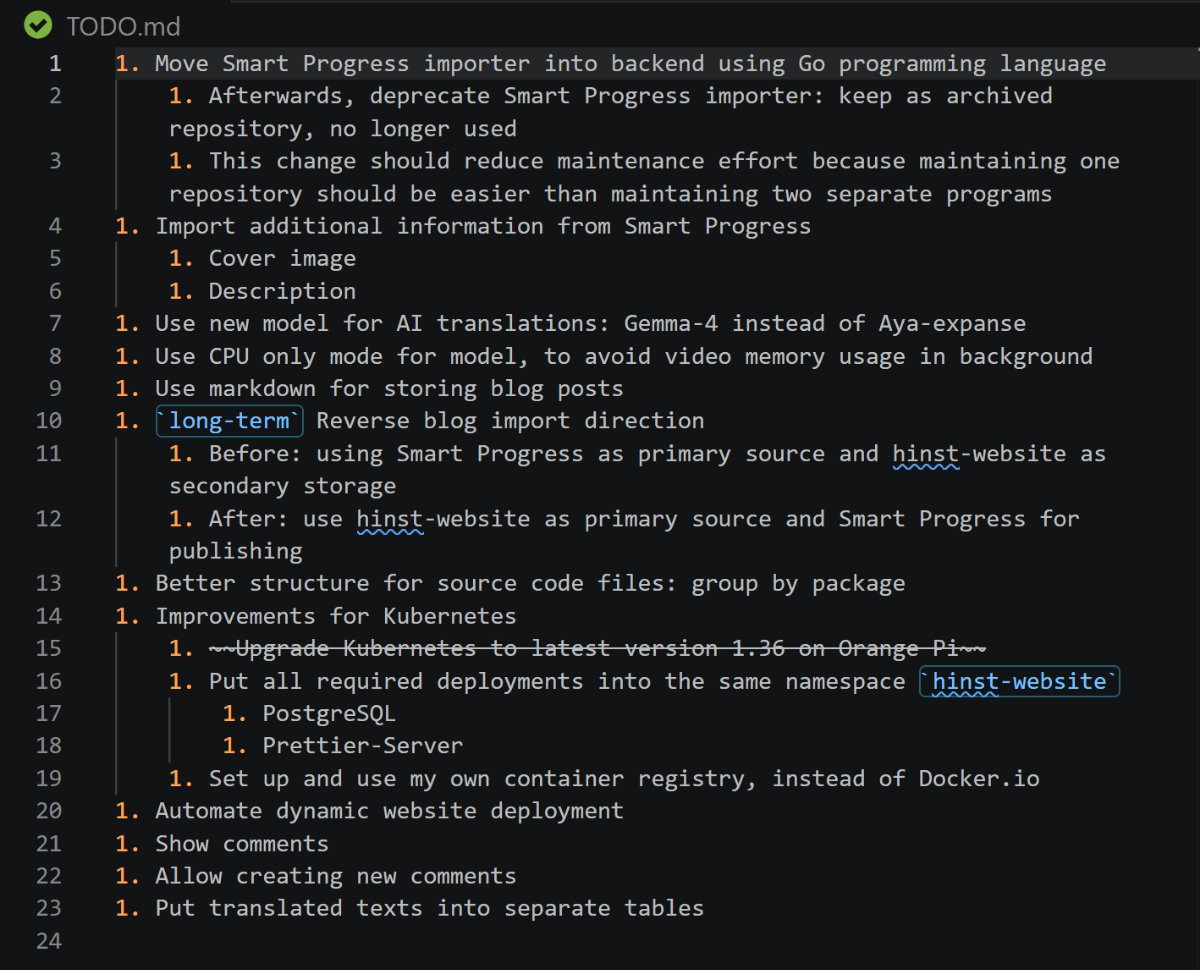
Improvement Plan for Personal Website 📜🧐
Last week, I put together a to-do list of things I plan to do for my personal website. Next time I find some free time, I’ll be able to dive straight into the work instead of slowly and stressfully trying to recall what was on my agenda.
Yandex Disk will become paid 🛸💸
In my last post, I wrote about how I am gradually sorting my personal cloud files on Yandex Disk. Now, the situation has suddenly changed. Sorting the files is still necessary, but a more urgent task has emerged: finding where to store all these files. Free synchronization on Yandex Disk will be disabled as early as next month 🫨 While it will still be possible to use the cloud drive without synchronization, there’s little point in doing so because the file size is limited to 1 GB maximum. Therefore, I won’t be able to upload a large backup to the cloud.
Setting up Syncthing 🔁
I decided to learn how to use the Syncthing app. My impressions have been mixed:
- Pros: The program is powerful and free
- Cons: The program is complex and finicky
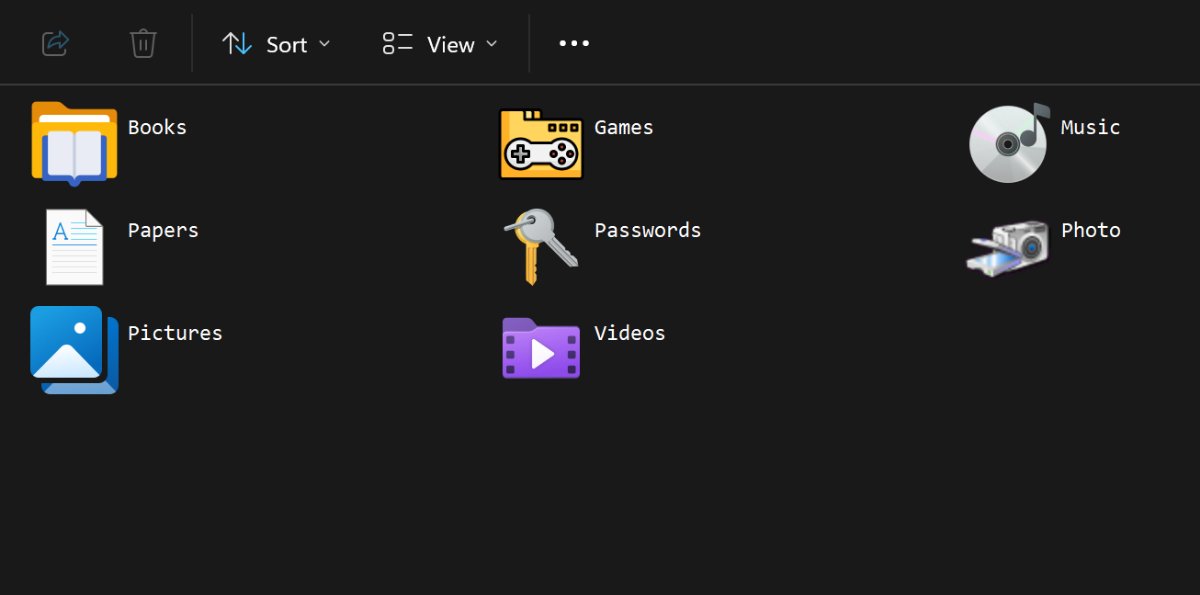
During the setup process, I had to recreate folders about ten or twenty times and restart the app before synchronization finally worked. So far, I’ve only set up two of my folders: music and passwords. There are many more folders ahead, but does every folder need real-time synchronization? I think for most of my folders, a weekly backup will be enough.
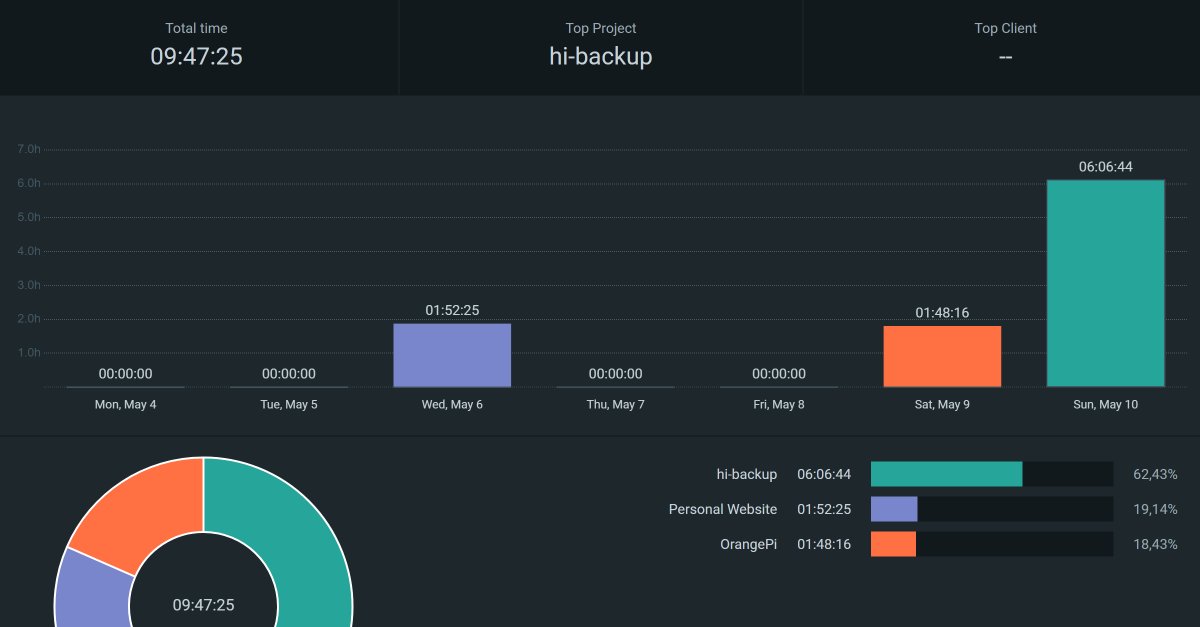
Improvements for hi-backup 📂
I added a new mode to my program for creating “smart” backups: https://github.com/hinst/hi-backup
-
It is now possible to create a backup without encryption 🆕
- Format: each file is placed in an individual .gz archive, while the directory structure is completely mirrored
Previously, there was only a mode with encryption in its own format, which a standard archiver couldn’t understand. Now, it will be possible to extract files without the help of hi-backup if needed 🤔
I’m not sure if there’s any sense in continuing to develop this program. The original idea was to use “smart mode” to save NAND resources by rewriting only changed files. But now I’m not sure if it’s worth it: they say that the write endurance of such drives is quite enormous. By writing about 50 GB a week, this resource will be consumed so slowly that my flash drive will outlive me 🤯🪦